Function maps
If your model does not have a function map already in PanelsDCC, you can create your own. To do this it is recommended to start from an existing map that is as close as possible to your model. You can then customise the map to your liking.
Step 1: Open function maps
Open function maps on the Panels DCC website
Sign in if you are asked to. The library shows maps as cards. Filter by type, manufacturer, or who created the map, and search by name, make, or scale.
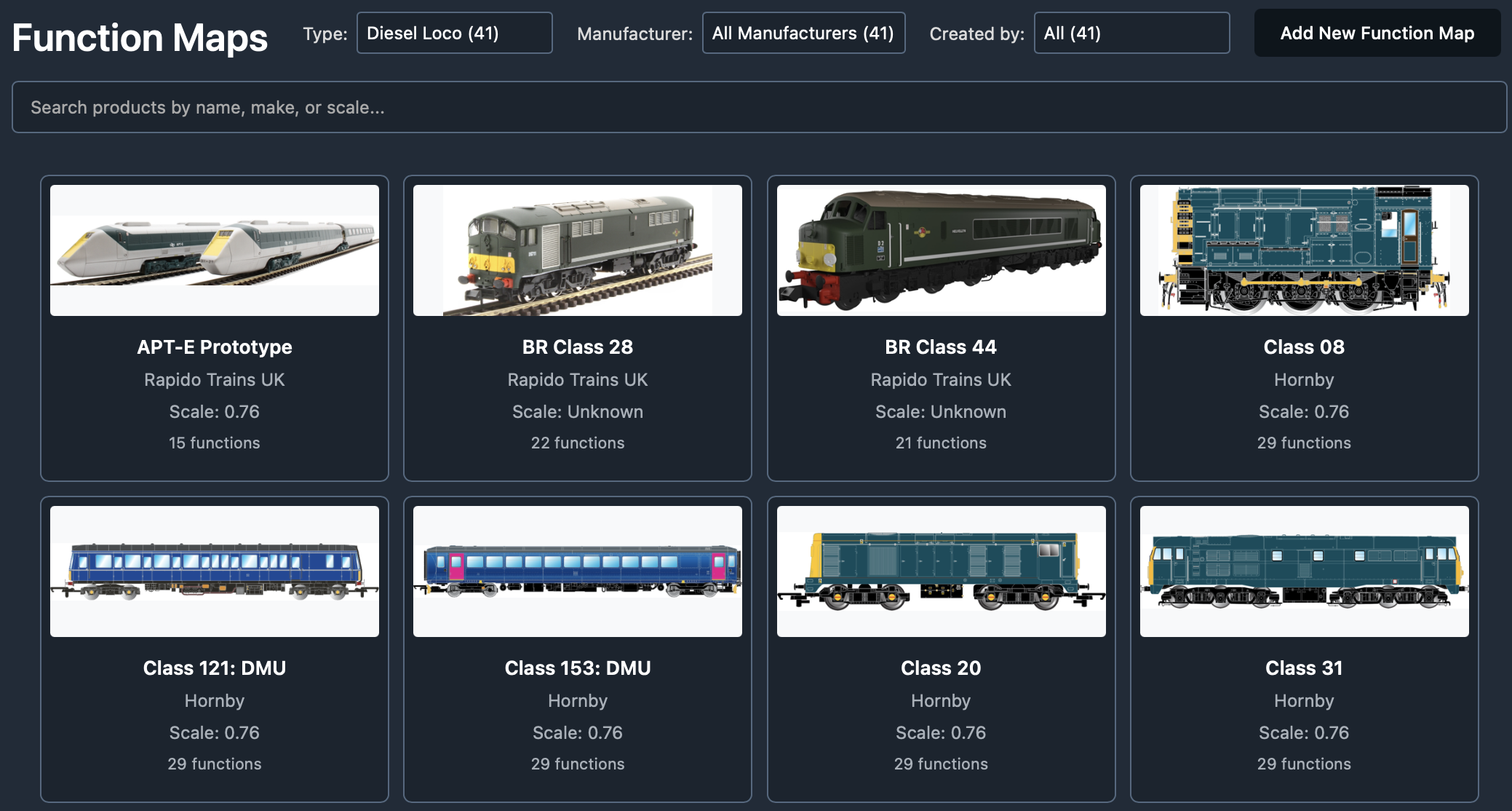
Step 2: Start from a close match
If you need a new map, start from an existing one that is as close as possible. This will save you a lot of time.
You are looking for the list of functions — not necessarily in the right order. For example many trains with sound share a similar set of sound functions, even when manufacturers arrange them differently. A map from the same brand is often a better starting point than one that merely looks similar.
Open a close match and make a copy you can change, or click Add New Function Map for a blank map.
Step 3: Define the funtion map in number order
It is recommended you define the function map in number order the manufacturer uses, F0, F1, F2 etc. Later when you assign this fucntion map to a train, you can re-order the functions to suit that train and your preferences.
For each function, you will need to pick a function from the function library and chose a type (latching, momentary, automatic).
When picking a function, find one with a suitable icon. Don't worry about the name as you can rename the function in your map.
If you cannot find an icon you like you can also create your own functions, although this does require creation of the icon images for both on and off states for a function.
Step 4: Name, save and use
Give the map a name and description so you can find it later. Save when you are happy.
You can then load that map onto any of your trains from the train form with Load Function Map and arrange the functions to suit your preferences.